ONLINE PAYMENTS

Let customers pay an invoice online.

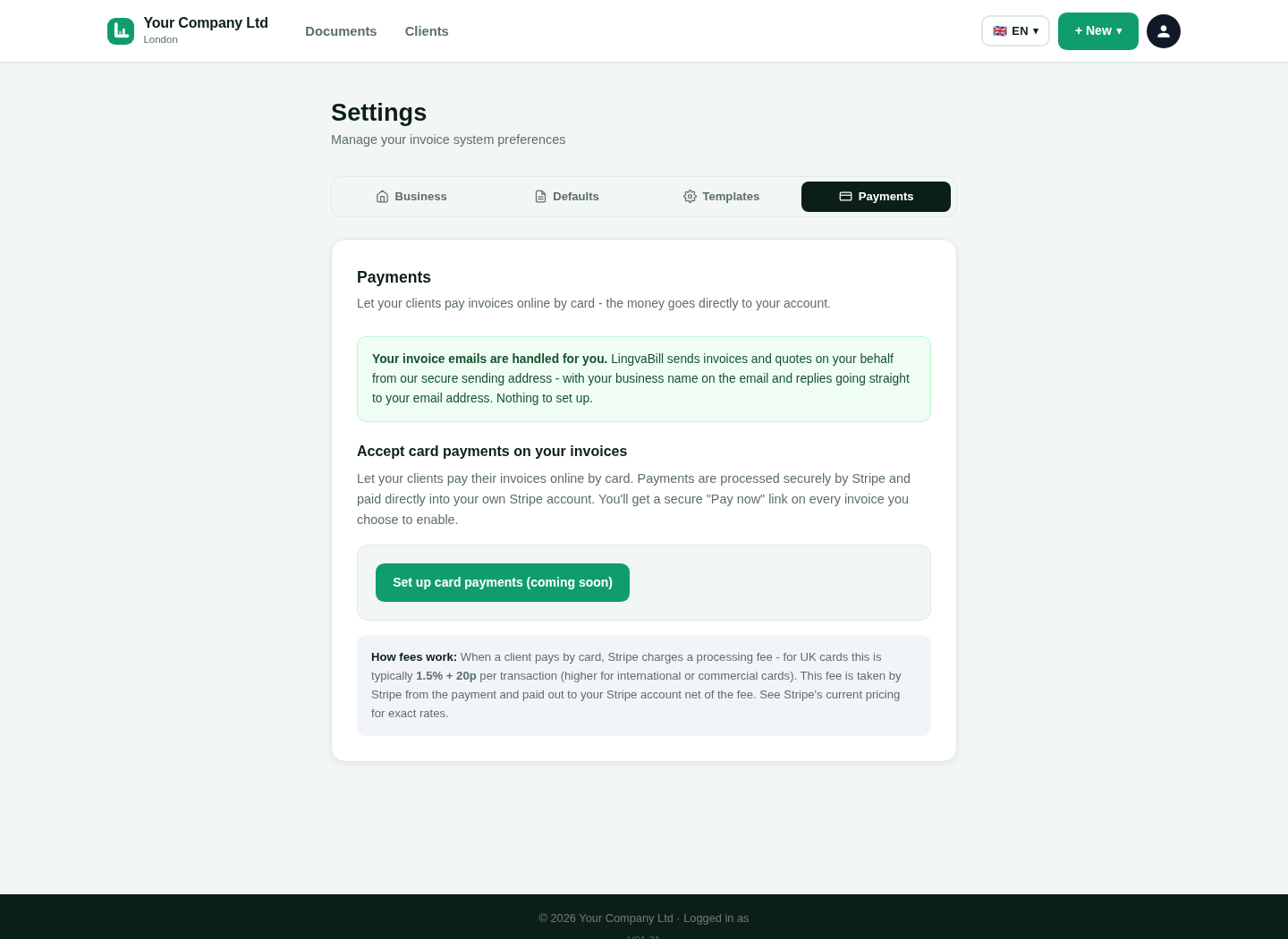
Connect Stripe. Add a payment option. Track the invoice after a verified payment.
First 10 invoices freeNo card neededMobile friendly
LingvaBill card payment settings
Actual product screen.
18 interface languages
UK invoice tools
Phone, tablet and desktop
Real product visuals

Connect your Stripe account

Use Stripe onboarding to connect the account that receives your card payments.

1

Your payment account

Payments are processed through the Stripe account you connect.

2

Connection status

See whether the account is ready for online payments.

3

Card data

Card details are handled by Stripe, not entered into LingvaBill.

See the real LingvaBill workflow

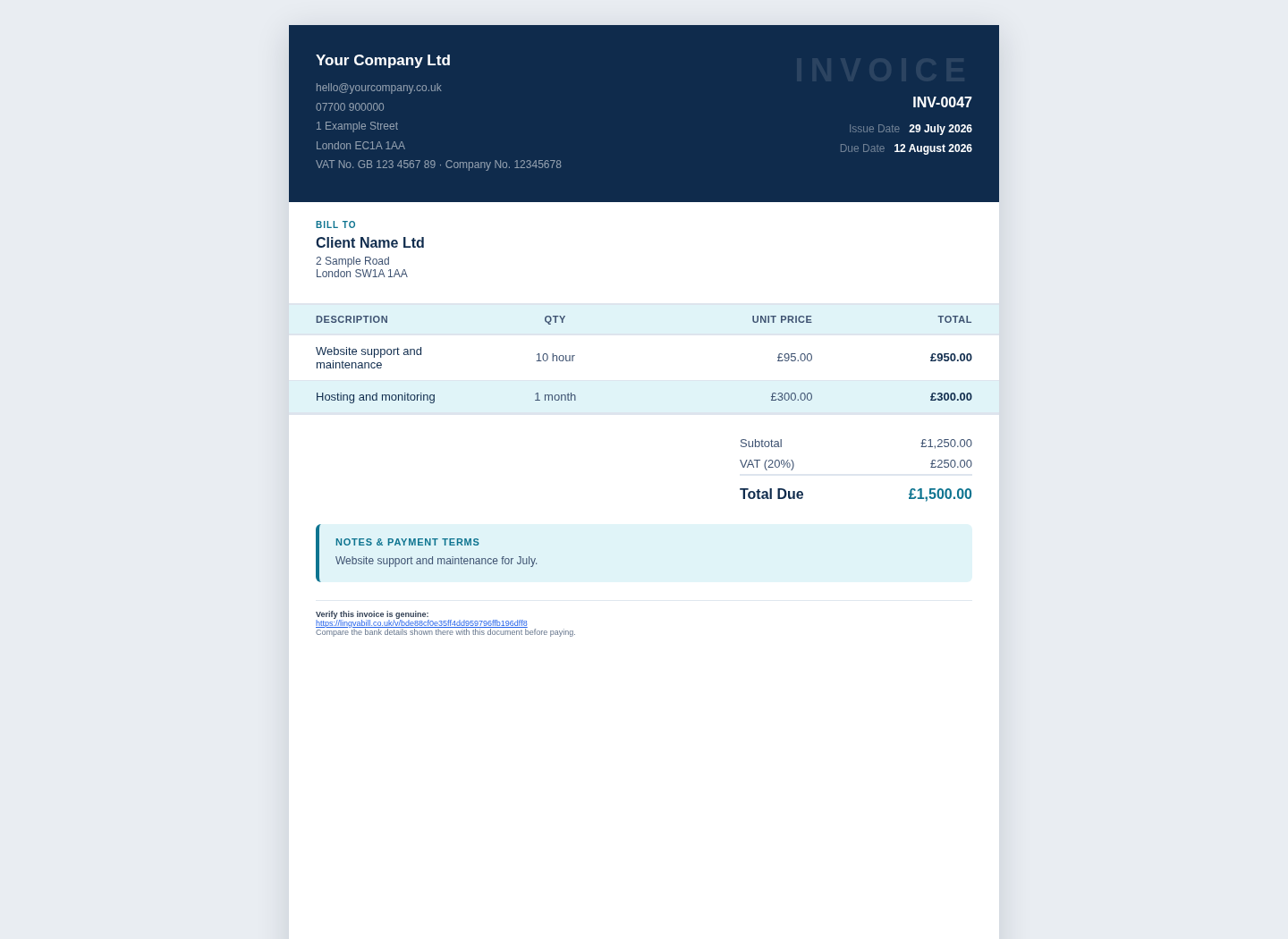
This is a genuine capture from the platform. It uses the approved fictional seller and customer details.
  • Your Company Ltd
  • Client Name Ltd
  • Invoice INV-0047
LingvaBill invoice showing Your Company Ltd and Client Name Ltd
Actual platform capture with demo data.

Offer payment on an invoice

Choose whether the customer can pay that invoice online.

1

Payment button

Show a clear payment action on the online invoice.

2

Amount and currency

The payment request is tied to the invoice amount and currency.

3

Customer flow

The customer follows the secure Stripe payment process.

Track verified results

Update the invoice after a valid payment event.

1

Paid status

Show the invoice as paid after a verified successful payment.

2

Payment reference

Keep the payment information connected to the invoice.

3

Invoice history

See the payment result with the document record.

Questions and answers

Short answers in simple English.

Do I need my own Stripe account?
Yes. Connect the Stripe account that should receive customer payments.
Does LingvaBill store card details?
No. Card details are handled by Stripe.
Can every invoice have a payment button?
You choose when the online card payment option is available.
Are Stripe fees included in the LingvaBill price?
No. Stripe applies its own processing fees and terms.

Make invoices easier to pay.

Connect Stripe after you create your LingvaBill account.