
1
Invoices
Create numbered invoices with dates, customer details, item lines, tax and payment terms.
Create documents. Track payments. Keep your work organised.
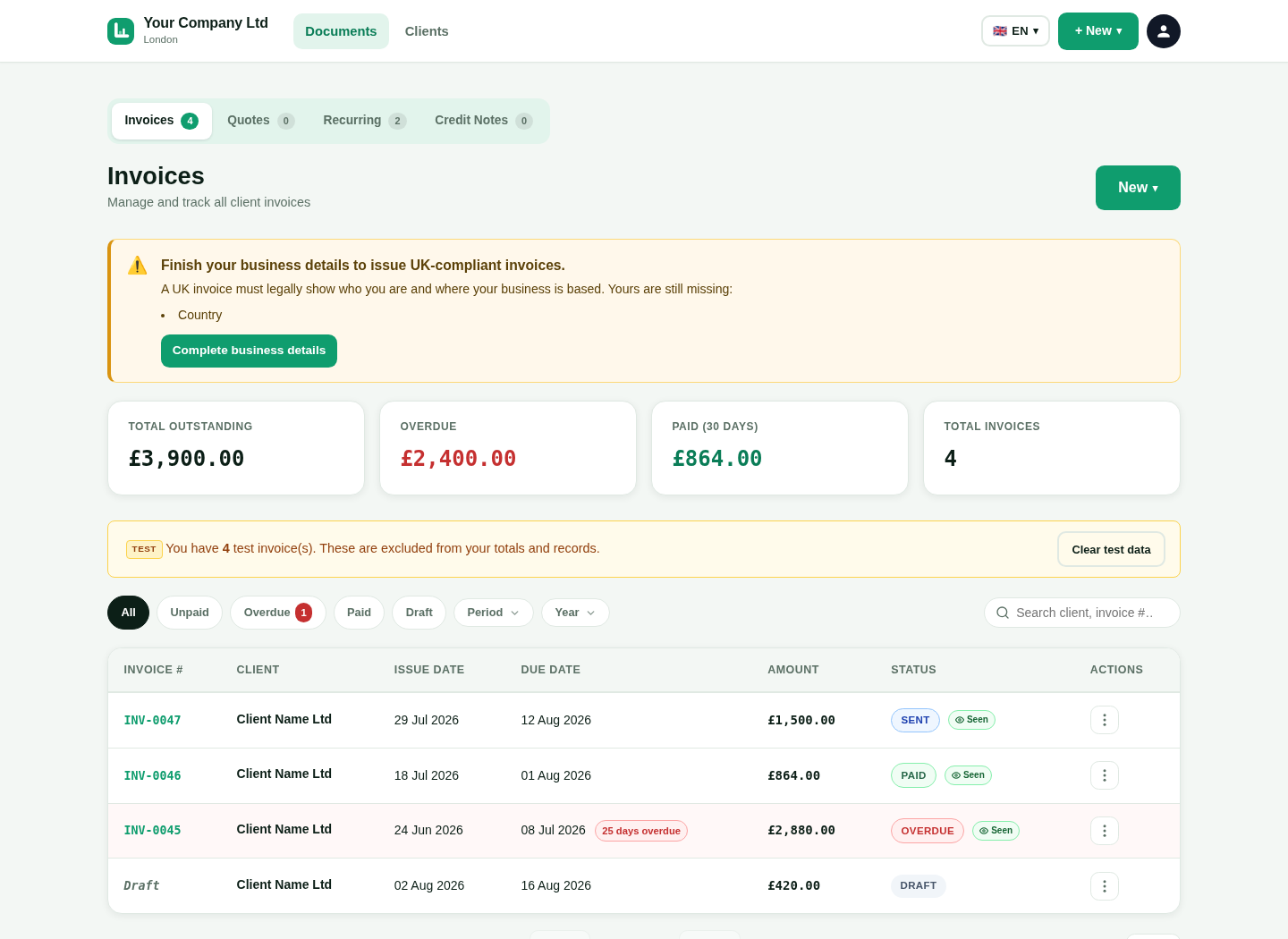
Use one clear system for the documents you send to customers.
Create numbered invoices with dates, customer details, item lines, tax and payment terms.
Prepare a quote first. Convert it to an invoice when the customer accepts the work.
Create a credit note and keep it linked to the original invoice.
Save repeat work as a schedule and create the next invoice with less typing.
This is a genuine capture from the platform. It uses the approved fictional seller and customer details.
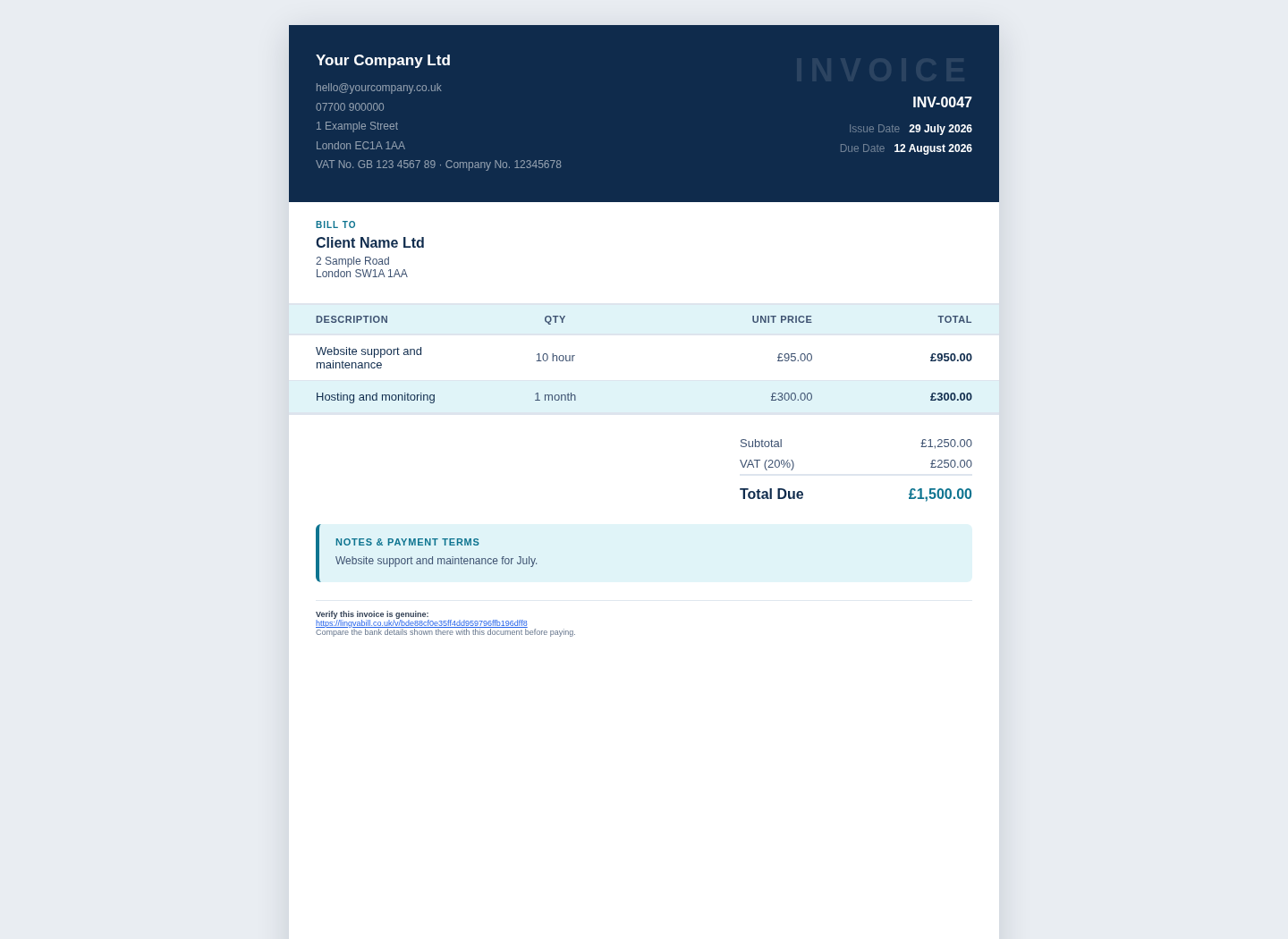
See what is open, overdue or paid without checking separate files.
Filter invoices by status and find the documents that need attention.
Send a clear reminder when an invoice is still unpaid.
Connect your Stripe account and offer a secure card payment option.
Open a customer record and see its invoices and outstanding total.
Add the details that match your work and your tax position.
Add VAT rates and show net, VAT and gross totals.
Separate labour and materials and show a CIS deduction.
Use the reverse charge option when it applies to the work.
Send a PDF or a secure online invoice link to the customer.
Use the same account on a phone, tablet or computer.
Choose the interface language that is easiest for you.
Select a clear invoice layout that fits your business.
Create and check documents on a small screen without horizontal scrolling.
Give owners, accountants and staff the access they need.
Short answers in simple English.