
1
Clear information order
Keep the invoice number, dates and customer details easy to find.
Use a professional layout that fits your business.
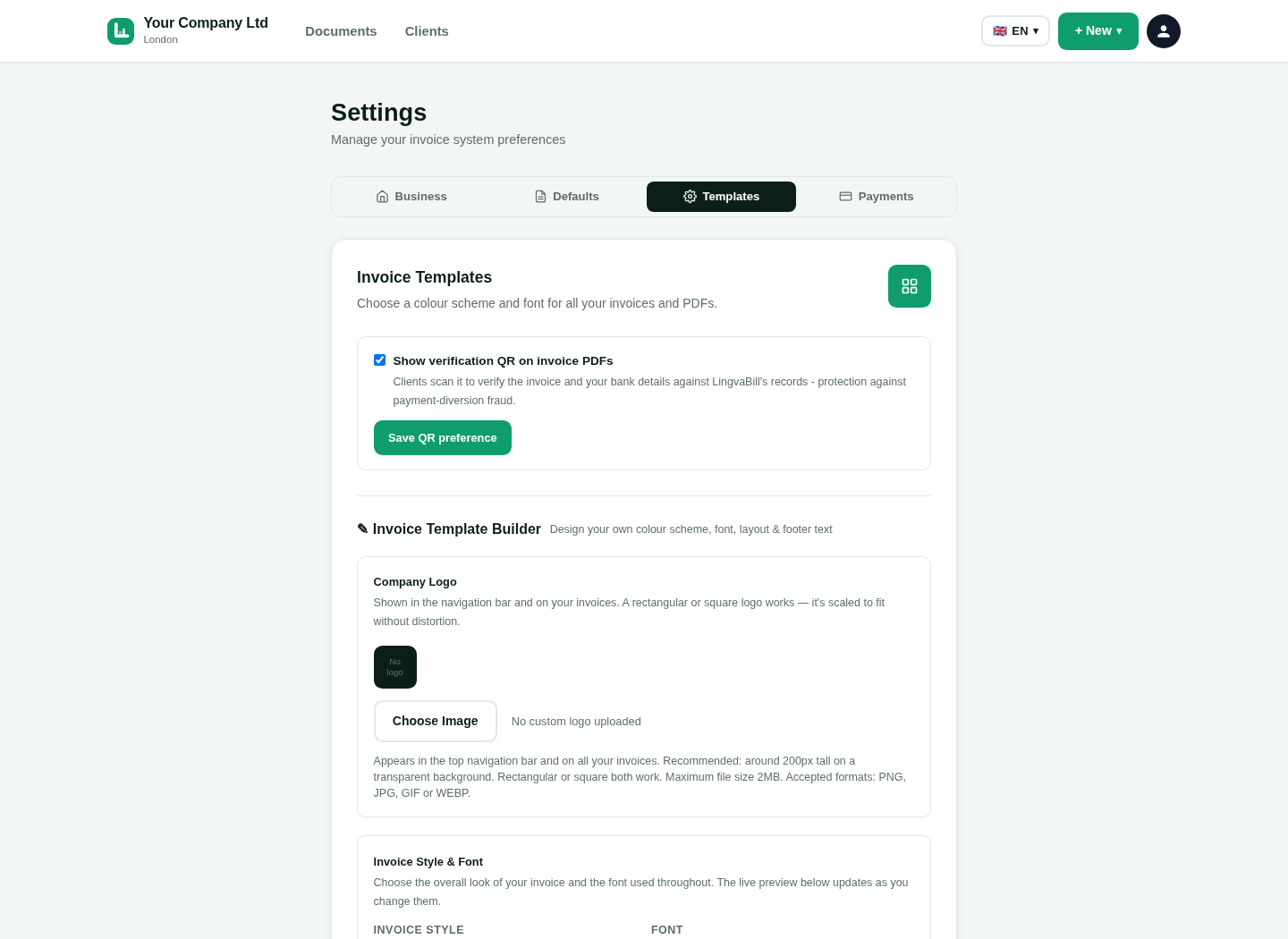
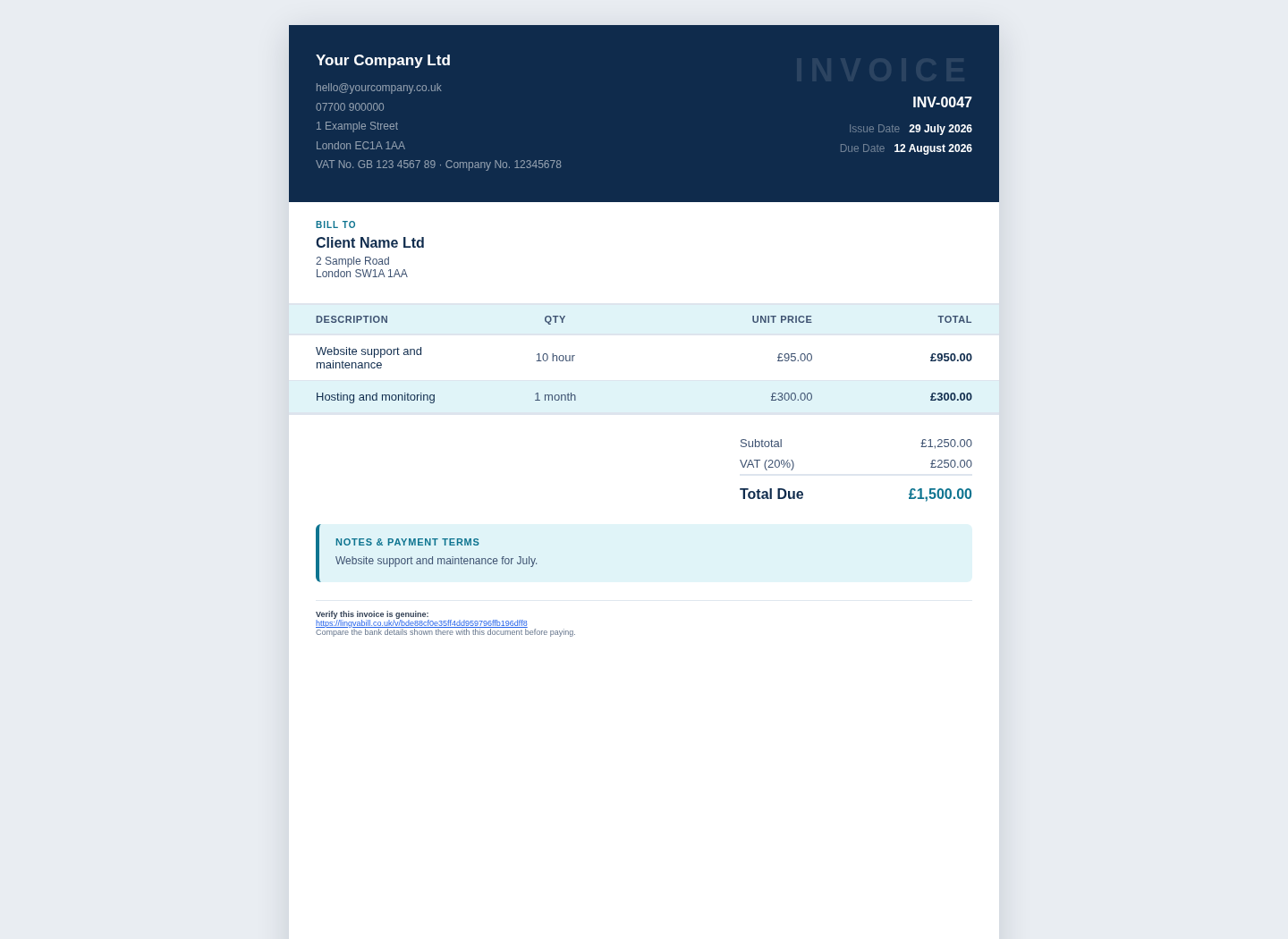
Select a layout and preview how the invoice will look.
Keep the invoice number, dates and customer details easy to find.
Show descriptions, quantities, prices and totals clearly.
Make the final amount easy for the customer to see.
Create a document that is ready to email or download.
Use the same business details across your documents.
Upload a suitable logo when you use one.
Show the correct personal, trading or company name.
Add the address and contact details needed by the customer.
Include the payment instructions used by your business.
Preview the document before it reaches the customer.
Review the full layout on a larger screen.
Keep the online invoice readable on a phone.
Use a stable PDF layout for records and printing.
Short answers in simple English.
Start with 10 free invoices. No card is needed.